Couldn’t find something?
It may well be that our online catalogue is not updated yet. We have a vast network of ingredients, our supply chain team will be happy to entertain any ingrendient enquiry.


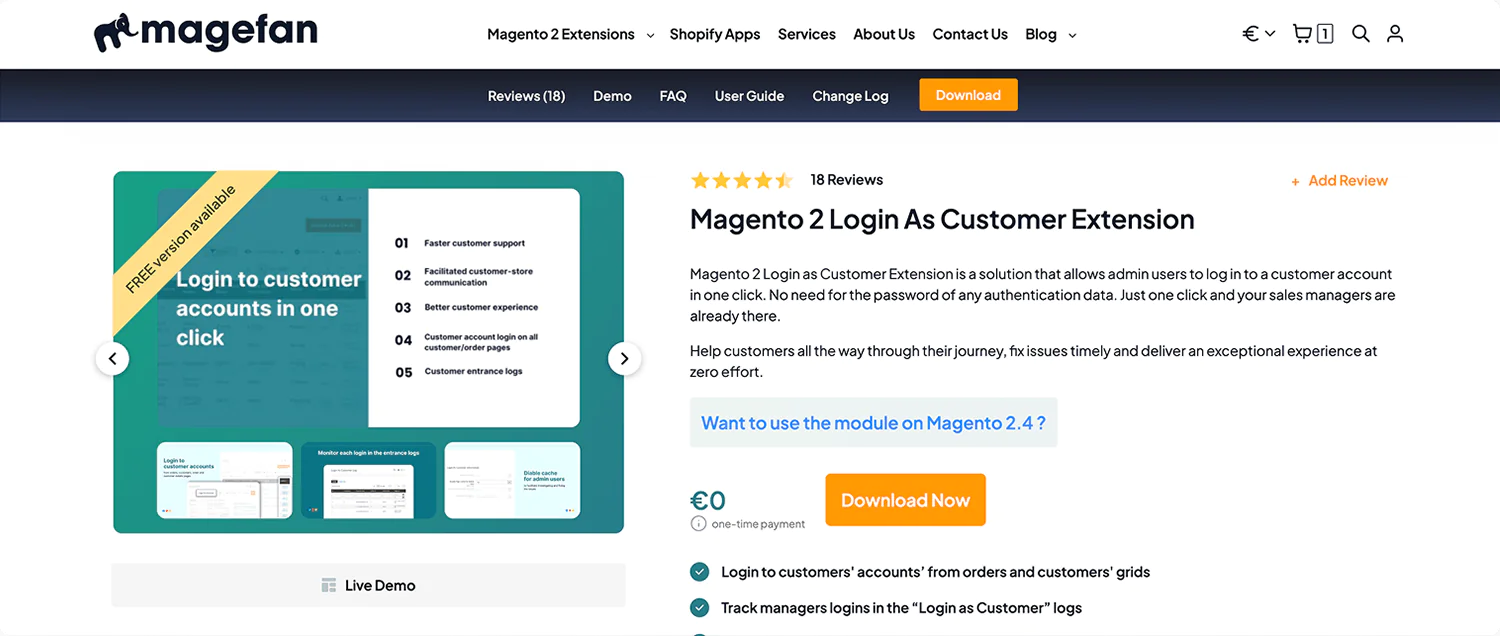
Magento 2 Login as Customer lets admin users access customer accounts in one click — no passwords or authentication data required. Support your customers faster, resolve issues instantly, and deliver a smooth experience with minimal effort.
Note: Magento 2.4.0 includes a basic Login as Customer feature (originally developed by Magefan). The Magefan extension extends it with advanced logging, cart merge prevention, cache control, store view selection, and more — making it ideal for professional support teams.
Everything you need to securely access and manage customer accounts — without friction

Customers may face different issues while in their account, shopping cart or checkout. To fix them managers have to get customer login data first.
Stop wasting precious time on getting these details. Log in to the customer account in Magento without a password. Directly from the admin panel.
Get into a customer account using one “Login as Customer” button on orders, customers, order and customer details pages. It is that easy.
The Magento 2 Login as Customer Extension has no limit to the number of logins or users that can log in to customer accounts. But you still need to track these closely.
While some customers do place orders as customers, the majority still prefer the guest checkout. That’s what makes things difficult for the managers.
Never lose any data about guest orders assigned to the same person. automatically on checkout or manually from the admin.
Deliver exceptional experience by quickly identifying possible issues and fixing them timely.
Solving issues usually requires changing or disabling a few options. It helps to test different scenarios and identify the cause of the problem.
But your managers can’t do that if the cache is enabled.
Use the Magento 2 Login as Customer extension to disable the page cache for admin users when they log in as customers.
Products added to the cart as a guest are automatically merged with the customer's shopping cart during the login.
Admins may add many products to the cart to test out issues while working with customers' accounts. However, they don’t need to stay there.
Disable this default Magento behaviour for admin login ONLY. So products added by the admin while testing won’t be added to the customer's shopping cart.






















 Top
Top